
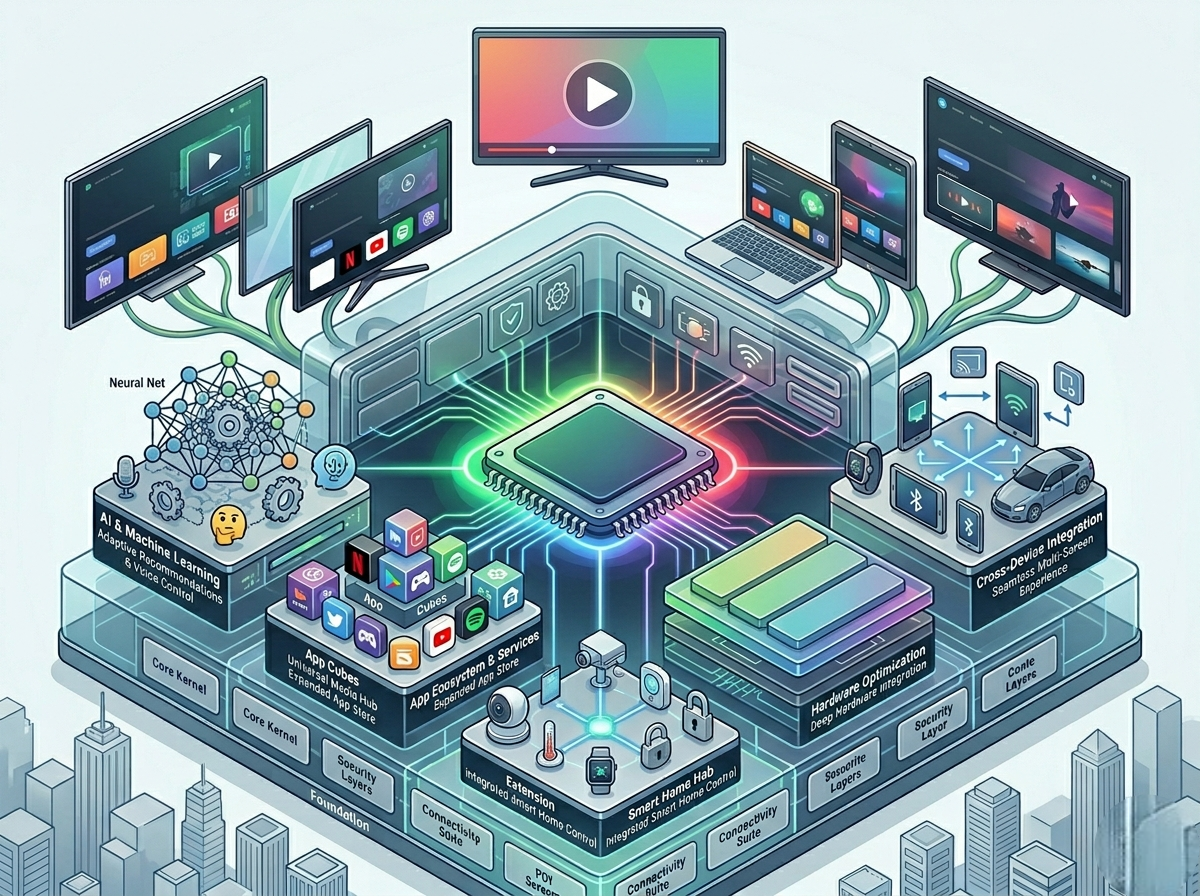
Before platforms like Google TV reshaped the streaming experience, Android TV established itself as one of the most widely adopted smart TV operating systems.
Even in 2026, Android TV remains highly relevant — not as a flashy, AI-driven interface, but as a stable, flexible, and widely supported platform powering millions of devices globally.
Unlike newer systems that focus heavily on personalization, Android TV emphasizes:
- App accessibility
- Platform flexibility
- Broad hardware compatibility
This makes it a foundational OS that still serves a large segment of users, especially those who prefer control over automation.
What Is Android TV OS? A Practical Breakdown
Android TV OS is Google’s television-optimized version of Android. It is designed specifically for large screens, remote navigation, and media consumption.
At its core, Android TV provides:
- A centralized interface for apps
- Access to streaming services
- Google Assistant integration
- Chromecast functionality
However, unlike Google TV, Android TV does not aggressively reorganize content around the user. Instead, it maintains a more traditional structure:
Apps are the starting point, not content.
Interface Structure: App-Centric and Predictable
Android TV follows a layout that prioritizes familiarity and usability.
Key Characteristics
- Horizontal rows of apps and content
- Customizable home screen channels
- Clear separation between apps and recommendations
Why This Matters
Users always know where to go:
- Open app → browse → watch
This predictability is a major advantage for users who prefer structured navigation over algorithm-driven suggestions.
Trade-Off
- Less intelligent content discovery
- More manual browsing required
App Ecosystem: One of Android TV’s Biggest Strengths
One of the strongest reasons Android TV remains relevant is its extensive app ecosystem.
What You Get
- Access to Google Play Store
- Major streaming apps (Netflix, YouTube, Disney+, Prime Video)
- Additional apps (media players, tools, games)
Flexibility Advantages
- Ability to sideload apps
- Broader use cases beyond streaming
- Compatibility with third-party tools
Limitations
- Not all apps are optimized for TV
- UI consistency varies
- Some apps may require updates for best performance
Strategic Insight
Android TV offers maximum flexibility, but requires more user involvement to get the best experience.
Content Discovery: Where Android TV Falls Behind
Unlike newer platforms, Android TV does not aggressively aggregate or recommend content.
How Discovery Works
- Basic recommendations based on apps
- Limited cross-platform aggregation
- Minimal personalization
User Impact
Users must:
- Open individual apps
- Browse manually
- Switch between platforms
Comparison Insight
- Google TV → advanced personalization
- TiVo OS → strong aggregation
- Roku OS → simple but efficient
- Android TV → manual, app-driven discovery
This makes Android TV better suited for users who already know what they want to watch.
Performance Profile: Consistency Depends on Hardware
Android TV performance varies significantly depending on the device.
Key Factors
- Processor speed
- RAM availability
- Manufacturer optimization
- Background processes
Typical Experience
- Smooth on mid-range and premium TVs/devices
- Noticeable lag on budget hardware
- Stable playback for HD and 4K content
Why Performance Can Vary
Unlike tightly controlled systems, Android TV is used by many manufacturers. This leads to:
- Different optimization levels
- Varying update quality
- Inconsistent performance across devices
Google Assistant & Smart Features
Android TV integrates Google Assistant, providing voice control and smart functionality.
Capabilities
- Voice search across apps
- Playback control
- Smart home device management
- Quick access to information
Real-World Use Cases
- Searching for movies without typing
- Controlling lights or thermostats
- Checking weather or news
This integration adds convenience, but is not as deeply embedded as in Google TV.
Chromecast Integration: Built-In Advantage
One of Android TV’s most valuable features is Chromecast built-in.
What It Allows
- Casting content from smartphones
- Streaming directly from apps
- Mirroring screens
Why It Matters
This feature extends the TV experience beyond the remote, making it easier to:
- Share content
- Use mobile apps as controllers
- Access content not available on TV apps
Customization & Control: A Power User Advantage
Android TV provides more customization than many other platforms.
Options Include
- Rearranging apps
- Customizing home screen rows
- Sideloading apps
- Using third-party launchers (advanced users)
Benefit
Users have greater control over their experience compared to more locked-down systems.
Drawback
- Requires more effort to optimize
- Not ideal for users seeking simplicity
Common Issues Users Experience
Sluggish Performance
Often caused by low-end hardware or background processes.
Fix:
- Restart device
- Clear cache
- Limit apps
App Compatibility Problems
Some apps may not function properly on all devices.
Fix:
- Update apps
- Use alternative apps
Cluttered Interface Over Time
Too many apps and rows can reduce usability.
Fix:
- Remove unused apps
- Organize home screen
Optimization Tips for Better Performance
- Keep system and apps updated
- Use high-speed internet (preferably 5GHz)
- Limit background processes
- Avoid overloading device with apps
- Restart periodically
Android TV vs Google TV: Key Differences
This is one of the most important comparisons for users.
| Feature | Android TV | Google TV |
|---|---|---|
| Interface | App-based | Content-based |
| Personalization | Limited | Advanced |
| Complexity | Low | Medium |
| Flexibility | High | High |
Key Takeaway
- Android TV → control and simplicity
- Google TV → intelligence and automation
Who Should Choose Android TV OS?
Ideal Users
- Users who prefer app-based navigation
- People who want flexibility and customization
- Budget-conscious buyers
- Users comfortable managing apps manually
Not Ideal For
- Users who want automated recommendations
- Those who prefer minimal interaction
- Users seeking the fastest, most optimized UI
Final Verdict: Is Android TV Still Relevant in 2026?
Android TV may not be the most advanced or modern-looking platform, but it remains highly relevant due to:
- Its flexibility
- Its massive app ecosystem
- Its widespread availability
It serves as a strong option for users who value control, compatibility, and familiarity over automation and aggressive personalization.
For many users, Android TV is not outdated — it’s simply more manual, but still effective.